Experience Your Dream Home: Walk Through Designs in VR & AI
Experience your dream interior design in virtual reality. Learn how VR & spatial computing transform home makeovers, helping you visualize and validate redesigns before construction.
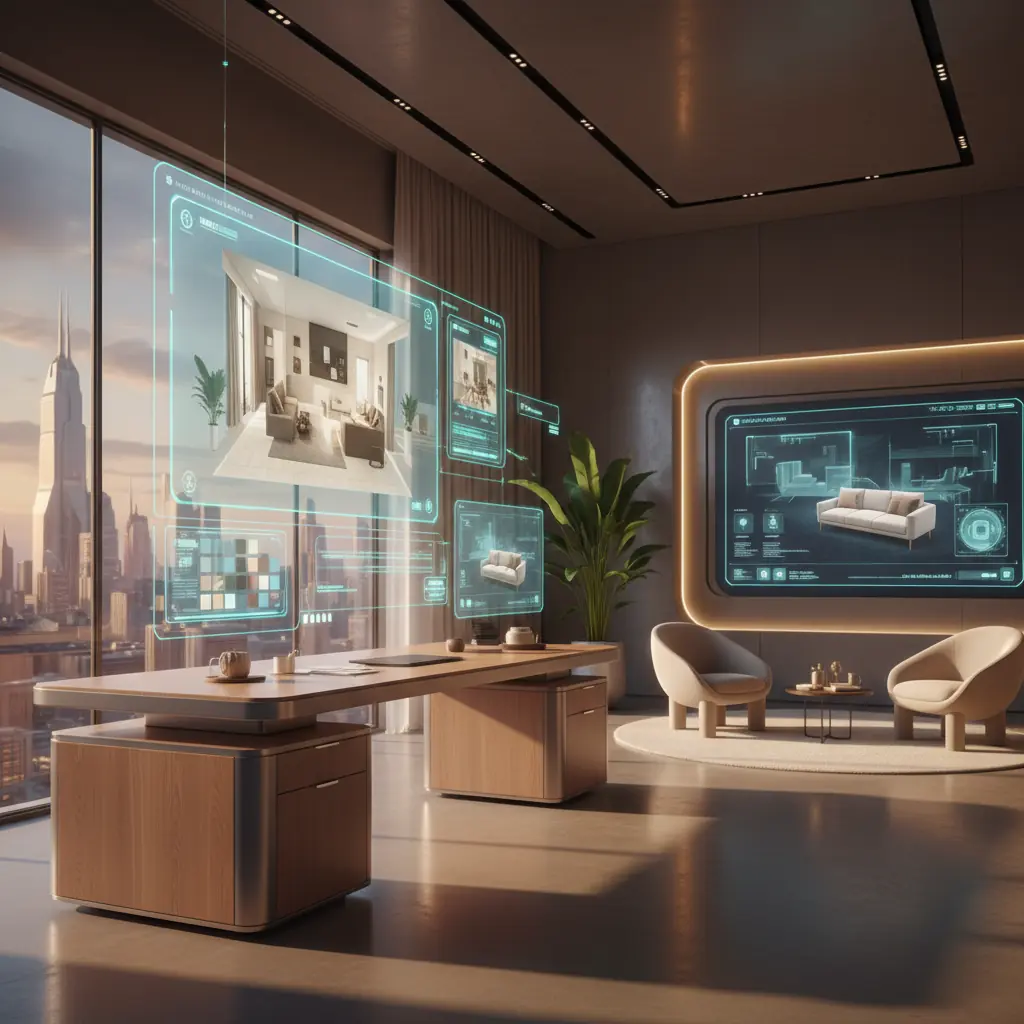
Spatial computing meets interior design: Why now?
Virtual reality has been promising to transform interior design for a decade, but 2025-2026 is when the technology finally became practical. This isn't just about incremental improvements; it's a paradigm shift. For years, VR experiences for design were often clunky, visually unconvincing tech demos that left more to the imagination than they revealed. The hardware was cumbersome, the software was nascent, and the average user found the barrier to entry too high.
However, the recent arrival of devices like the Apple Vision Pro, bringing spatial computing to a premium consumer audience, alongside the Meta Quest 3 making high-fidelity VR accessible at a lower price point, has ignited a revolution. The software ecosystem has matured in parallel, finally delivering genuinely useful design experiences. We're moving beyond simple 3D models to interactive, immersive environments where the intangible aspects of space – scale, proportion, light, and flow – become immediately intuitive.
The core value proposition is simple yet profound: instead of looking at a 2D image of your redesigned room and trying to imagine what it would feel like to stand in it, you actually stand in it. This level of immersion fundamentally changes how we perceive and evaluate design. Scale, proportion, and spatial relationships that are impossible to judge from a flat photo become immediately intuitive when you can walk around the space, see furniture at real-world scale, and understand how the layout impacts movement and functionality. It’s the difference between looking at a map and actually exploring a new city – one gives you information, the other gives you an experience.
How do VR design walkthroughs work?
The journey into a virtual redesign typically starts with creating a digital twin of your existing space. This critical first step ensures accuracy and relevance. Modern smartphones equipped with LiDAR sensors (such as iPhone Pro and iPad Pro models) can capture room geometry with remarkable precision in a matter of minutes. This process generates a "point cloud" – a dataset of points in a 3D coordinate system – which is then converted into a detailed 3D model. This model accurately preserves dimensions, window and door positions, and key architectural features. For professional use, dedicated laser scanners offer even higher precision, creating incredibly accurate digital representations that capture every nuance of a room.
Some platforms offer a more streamlined, albeit less accurate, approach by generating approximate 3D geometry from a single photo or a few measurements. This trades absolute precision for convenience, making it quicker for initial conceptualization but less suitable for detailed construction planning.
Once you have this precise 3D base model, the real design work begins. Redesign elements – new furniture layouts, material finishes, wall colors, bespoke joinery, and lighting fixtures – are meticulously placed and integrated into the scene. The result is a fully navigable 3D environment. You can explore this environment with a dedicated VR headset for full immersion, or, in some cases, through augmented reality (AR) on a tablet or phone, which overlays virtual elements onto your real-world view.
Higher-end experiences push the boundaries of realism, including sophisticated features like realistic lighting simulation (accounting for natural light, artificial fixtures, and their interactions), physically based material reflections, and even spatial audio to give a sense of room acoustics. Imagine walking into your virtual living room and hearing the subtle echo of an empty space or the muffling effect of new rugs and curtains – these details enhance the sense of presence and help you truly experience the design before a single hammer is swung.
The AI-to-VR pipeline: From generated image to walkable space
The most exciting and transformative workflow for modern interior design combines AI design generation with VR visualization. This synergy supercharges both creativity and validation. You might start by uploading a photo of your existing room to an AI tool like Habitas, which can then generate dozens of style variants or [AI-generated room designs based on your preferences](/blog/ai-generated-room-designs-realistic). AI excels at the creative exploration phase, rapidly iterating through countless options in minutes – a task that would take a human designer hours or days.
Once you’ve selected a preferred design concept generated by AI, the next step is to convert that 2D image into a 3D walkthrough. This is where VR steps in for crucial validation. While AI inspires the aesthetic, VR allows you to experience the design spatially, moving beyond just how it looks to how it _feels_ to inhabit. This integration is particularly valuable because 2D renders, no matter how photorealistic, can never fully convey the sense of scale, flow, and three-dimensional relationships that define a living space.
This pipeline is still being refined, and the transition from a 2D AI render to a fully accurate 3D environment is not yet perfectly seamless. Current tools often approximate the 3D scene based on the AI image's cues and the initial room geometry, meaning the VR version may not be pixel-perfect to the original generated image. Challenges include accurate material translation (e.g., distinguishing between different types of wood grain or fabric textures in 3D based on a 2D image) and ensuring all objects are correctly scaled and positioned. However, for the purpose of understanding scale, furniture placement, room flow, and overall feel, the results are already incredibly valuable. Many architects, interior designers, and renovation contractors are rapidly adopting this workflow, recognizing its potential to reduce errors and improve client satisfaction. To delve deeper into the underlying technology, explore [how AI interior design works](/blog/ai-interior-design-how-it-works).
Who benefits most from VR design visualization?
The adoption of VR in interior design is widespread, offering significant advantages to various stakeholders:
### Homeowners planning major renovations
Homeowners embarking on significant projects get arguably the most immediate and tangible value. When you are about to spend a substantial sum – for instance, a typical kitchen renovation costs anywhere from $15,000 to $50,000, and a full bathroom renovation can be equally expensive, as detailed in our guide to [bathroom renovation costs](/blog/bathroom-renovation-cost-2026) – being able to walk through the proposed layout in VR can prevent incredibly expensive mistakes. Does the kitchen island feel too cramped against the opposite counter? Is the refrigerator placement awkward for your cooking flow? Will that new wall block too much natural light? These questions are answered immediately and intuitively in VR, and are nearly impossible to answer with certainty from a floor plan or static 2D render. VR provides crucial peace of mind before committing to irreversible and costly structural changes.
### Real estate developers & agents
For real estate professionals, VR is a game-changer for pre-selling units before construction is even complete, or for showcasing properties remotely. Showing potential buyers a VR walkthrough of a finished apartment – fully furnished and styled according to the [best interior design styles of 2026](/blog/best-interior-design-styles-2026) – converts significantly better than showing static floor plans, material samples, or even traditional 3D renders. Studies show that **73% of home buyers say staging helps them visualize a property as their future home**, and homes with professional staging sell **25% faster on average**. VR takes this to the next level, offering "virtual staging" that is both immersive and customizable, allowing buyers to see the potential of a space in real-time without physical limitations.
### Architects & interior designers
For design professionals, VR walkthroughs serve as powerful client presentation tools, replacing static 3D renders with immersive, interactive experiences that clients can explore at their own pace. This not only elevates the presentation quality but also streamlines the feedback process, leading to fewer revisions and higher client satisfaction. By identifying potential issues early in the design phase through VR, designers can drastically reduce the number of costly change orders, which can increase project budgets by **10-20%** if addressed late in construction. This makes the design process more efficient, more collaborative, and ultimately more profitable. The discussion of [AI vs. human interior designers](/blog/ai-vs-human-interior-designer) highlights how AI assists the creative process, and VR validates it.
### Furniture retailers and manufacturers
Forward-thinking furniture retailers are leveraging VR to create virtual showrooms, allowing customers to browse and configure products in a realistic environment without ever stepping foot in a physical store. This enhances the online shopping experience and helps customers visualize how pieces will look and fit in their homes. Some platforms even allow for direct integration, so once a virtual design is finalized, the specific furniture pieces can be instantly added to a shopping cart.
Current limitations: When photos and 2D still suffice
While the capabilities of VR interior design are rapidly advancing, it’s important to acknowledge its current limitations and understand when traditional 2D visualization methods might still be more appropriate or practical.
### Hardware cost and accessibility
Hardware cost remains the biggest barrier for widespread consumer adoption. While the Apple Vision Pro starts at a premium $3,499, and the Meta Quest 3 is more accessible at $499, both still represent a significant investment for many households. Beyond the financial cost, there's also the barrier of comfort and familiarity with headset-based interaction. Not everyone is comfortable wearing a headset for extended periods, and some users may experience motion sickness, a common issue in early VR experiences.
### Visual fidelity and sensory input
Resolution, while dramatically improved with newer headsets, still cannot perfectly reproduce the fine material textures and subtle nuances that a high-resolution 2D photograph can capture. The difference between linen and cotton, or honed versus polished marble, might be lost or approximated in current VR environments. Beyond visual, VR is still limited in terms of other sensory input. Haptic feedback (touch), smell, and truly realistic soundscapes that replicate actual room acoustics are nascent or absent, meaning the full sensory experience of being in a physical space cannot yet be replicated. For simple [color palette generation](/blog/ai-color-palette-generator) or furniture browsing, these limitations make VR overkill.
### Software maturity and content creation
While user-friendly tools are emerging, creating high-quality, photorealistic 3D models and VR experiences still often requires specialized software skills or significant investment in professional services. The user interface and user experience (UI/UX) of many professional VR design tools can still be clunky or non-intuitive for non-tech users, requiring a learning curve that might deter casual users.
### When 2D excels
For most cosmetic updates – a new paint color, different furniture, updated accessories, or a quick mood board – high-quality 2D AI renders are often sufficient, far more accessible, and quicker to generate. If the primary goal is aesthetic exploration rather than spatial validation, the immediate gratification and ease of sharing 2D images make them a powerful tool. VR adds the most value when spatial relationships are critical: open-plan reconfigurations, multi-room flow, staircase placement, or any change where "how it feels to be in the space" matters more than "how it looks in a photo."
The near future: Spatial computing goes mainstream
The trajectory for VR and AR design visualization points toward it becoming a routine, expected part of the design process within the next three to five years. The advancements will come on multiple fronts:
### Hardware evolution
Headset prices will continue to drop, making the technology more affordable for the average consumer. Perhaps more significantly, lightweight AR glasses, looking much like regular spectacles, will begin to replace bulky headsets, offering a more comfortable and socially acceptable way to experience spatial computing. Furthermore, phone-based AR – already capable of placing virtual furniture in your real room – will become sophisticated and accurate enough for full-room visualization without any headset at all, leveraging advanced sensors and processing power directly in your pocket. This ubiquitous accessibility will democratize high-fidelity visualization.
### Software and ecosystem maturity
The design industry is rapidly preparing for this shift. Major furniture retailers are actively building extensive 3D model libraries of their products, ensuring that virtual designs can be populated with real-world items available for purchase. AI tools, including various [AI interior design apps compared](/blog/ai-interior-design-apps-compared-2026) in our recent review, are increasingly adding 3D output formats alongside their 2D images, making the transition from concept to immersive experience seamless. The standardization of 3D file formats and APIs will allow for greater interoperability between different design software, AI platforms, and visualization tools.
### The integrated design-to-purchase journey
The ultimate vision is a seamless flow from initial inspiration to visualization to final purchase. Imagine discovering a room design you love, generating a variant in Habitas, walking through it in your actual living space using an AR app, tapping on the virtual couch to learn more about it, customizing its fabric, and then ordering it for delivery – all within an integrated ecosystem. This holistic approach will streamline the entire interior design process, making it faster, more efficient, and ultimately more enjoyable for everyone involved. The pieces are falling into place faster than most people realize, promising a truly revolutionary experience for designing and furnishing our homes.
---
Frequently Asked Questions
### Is VR interior design expensive?
The cost of VR interior design varies significantly. For homeowners using AI-powered platforms like Habitas to generate 2D designs and then converting them into basic 3D walkthroughs for visualization, the software costs can range from free trials to subscription fees of $10-$50 per month. The hardware cost is the main variable: if you already own a smartphone for AR, the cost is minimal. For full VR immersion, consumer headsets like the Meta Quest 3 are around $500, while premium spatial computers like the Apple Vision Pro are $3,500+. Professional services from design studios utilizing advanced VR tools can cost hundreds or thousands of dollars, depending on the project's complexity.
### How accurate are VR interior design walkthroughs?
The accuracy of VR interior design walkthroughs depends heavily on the initial data capture. If a room is scanned with a LiDAR-equipped smartphone or professional laser scanner, the 3D model can be highly accurate (within millimeters), ensuring precise dimensions and architectural details. When converting AI-generated 2D images into 3D, the accuracy can be an approximation, focusing more on spatial relationships and overall feel than pixel-perfect detail. For understanding scale, furniture placement, and flow, current VR tools are highly effective, preventing costly design mistakes. For fine material textures, 2D images still offer superior fidelity.
### Can I use my phone for VR interior design?
Yes, you can absolutely use your phone for AR (augmented reality) interior design, which is a form of spatial computing often integrated with VR workflows. Many apps allow you to place virtual furniture and decor into your real room view using your phone's camera. Phones with LiDAR sensors can also perform basic 3D room scanning. While full, immersive VR requires a headset, phone-based AR is a highly accessible and valuable tool for visualizing design changes in your actual space, offering an excellent entry point into spatial computing for interior design.
### How long does it take to create a VR room design?
The time it takes to create a VR room design varies. Using an AI tool like Habitas, you can generate initial 2D design concepts from a photo in seconds. Converting these into a basic 3D walkthrough for VR can take anywhere from a few minutes to an hour, depending on the tool and desired detail. Creating a highly detailed, photorealistic VR walkthrough from scratch with professional software can take several hours to days for a single room, as it involves intricate 3D modeling, texturing, and lighting. However, the speed of iteration with AI and VR is significantly faster than traditional design methods, potentially reducing overall design time by weeks.
### What's the difference between AR and VR for interior design?
AR (Augmented Reality) and VR (Virtual Reality) offer distinct experiences. AR overlays virtual objects onto your real-world view, typically using a smartphone, tablet, or smart glasses. For interior design, this means you can see a virtual couch placed in your actual living room. It's great for visualizing how new items fit into an existing space. VR, on the other hand, creates a fully immersive, simulated environment that replaces your view of the real world, usually with a headset. This allows you to "walk through" an entirely new or redesigned space that doesn't physically exist yet. VR provides a deeper sense of presence and allows for more complex spatial exploration, while AR is excellent for integrating virtual elements into real environments.